Free fax cover sheet templates
Open a ready template and print it, or fill one in below and fax it with your document. Free to print and download. Sending a fax needs an account, which includes 20 free pages.
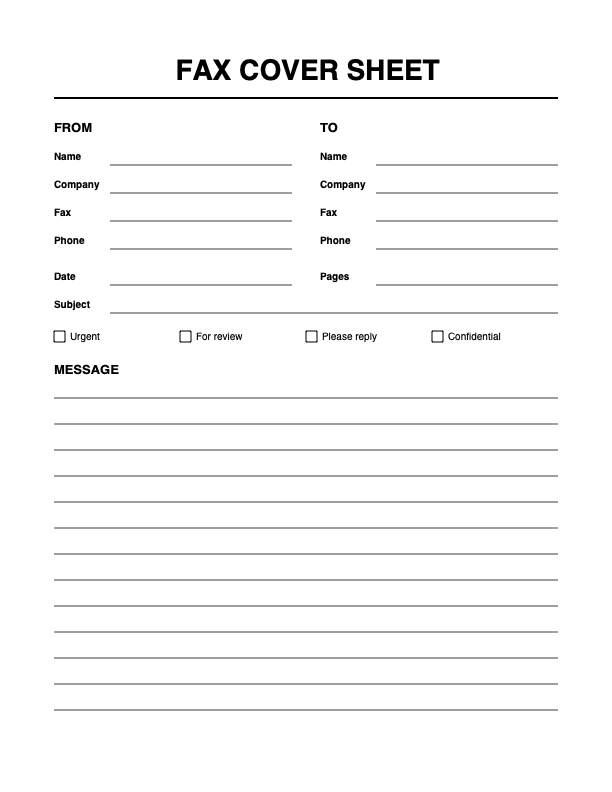
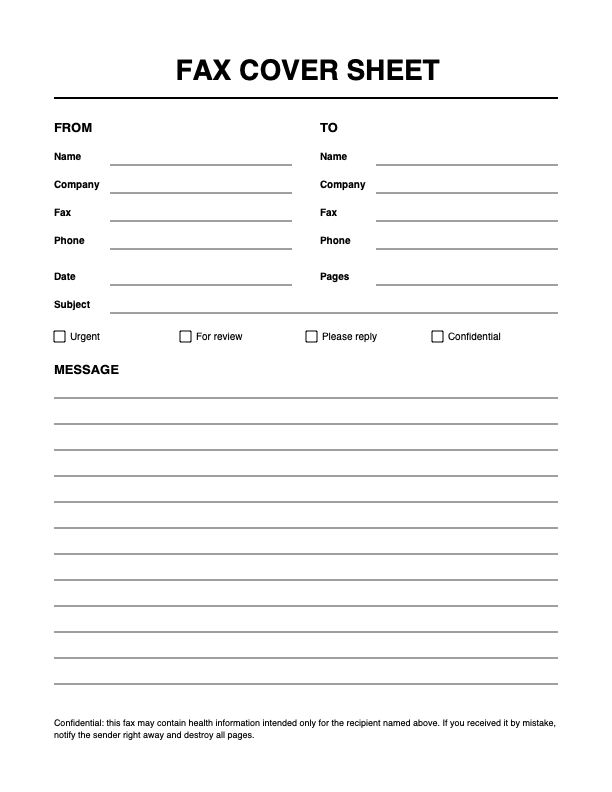
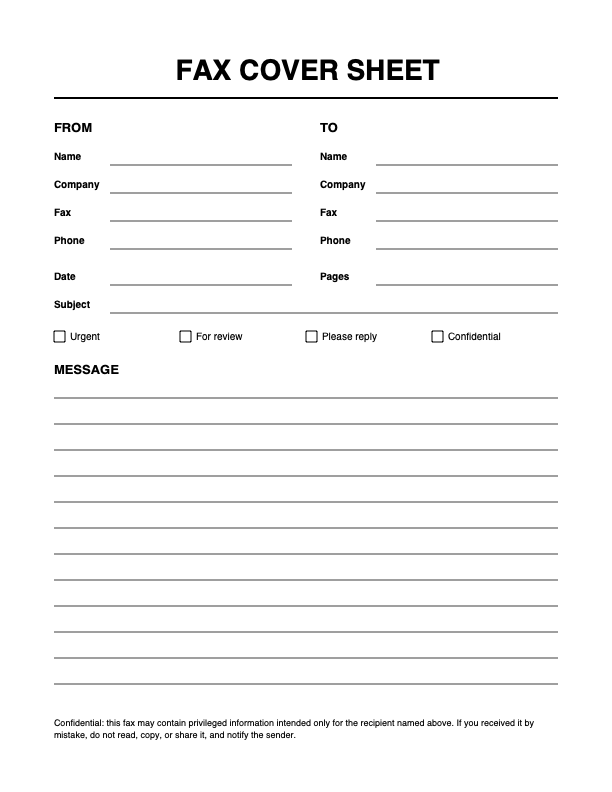
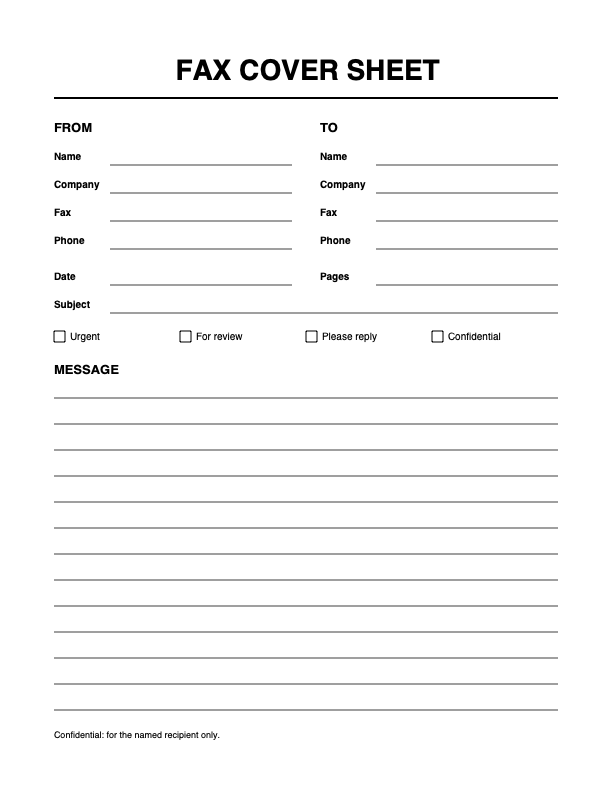
Ready to print: free templates
Or fill one in here
Fax cover sheet
From
To
☐ Urgent☐ For review☐ Please reply☐ Confidential
Message
How to use this fax cover sheet template
- Pick a template: General, Medical, Legal, or Confidential.
- Fill in the From and To columns, the subject, and the page count. The sheet updates as you type.
- Add a short message if the recipient needs one.
- Print the sheet, download it, or choose Fax it with my PDF to send both together.
Only need paper? Open the blank template at the top. You get a printable fax cover sheet with empty lines to fill in by hand, in PDF or Word.
What to include on a fax cover sheet
- Recipient name and fax number. Add the department in a large office, so the pages do not sit in a shared tray.
- Your name and a way to reach you. Give a fax or phone number in case a page comes through unreadable.
- Date. It matters for anything with a deadline, such as a claim or a tax document.
- Subject. One line, for example a case number, a claim number, or a patient reference the office already knows.
- Total pages. Count the cover sheet as well, so the recipient can see if a page is missing.
- Message. Keep it short. Say what you need the recipient to do.
When to use a cover sheet
A fax usually lands on a shared machine, and anyone nearby can read the first page. A cover sheet keeps your document off that first page and tells staff where to take it. That is why doctor's offices, insurers, law firms, and government agencies often ask for one.
Check the instructions you were given before you send. Some offices ask for a specific form or a reference number on the sheet, and their rules come first.
Fax cover sheet templates
- General
- A clean business layout with no extra notice. It fits most faxes.
- Medical
- Adds a confidentiality notice for health information. The notice alone does not make a fax compliant with HIPAA or other rules, so follow your office's policy.
- Legal
- Adds a notice for privileged or confidential documents. Have your own counsel review the wording.
- Confidential
- A short notice that the pages are for the named recipient only.
PDF or Word?
Choose PDF when the sheet is final: it looks the same on any computer and goes straight to a printer or fax service. Choose Word when you want to change the layout, add a logo, or keep a template for your office. The file opens in Microsoft Word and Google Docs.
Send the cover sheet with your fax
You do not need a fax machine. Choose Fax it with my PDF, pick your document, and the cover sheet becomes its first page. The cover sheet counts as one page of your balance. Each new account gets 20 free pages, and after that page packs start at $4.99 for 25 pages. There is no subscription. See how to send a fax online or fax from your computer.
Frequently asked questions
What is a fax cover sheet?
It is the first page of a fax. It tells the person at the other end who the fax is for, who sent it, how many pages to expect, and what it is about.
Do I need a cover sheet to send a fax?
The fax will go through without one, but many offices expect it. In a shared office, the sheet is what gets your pages to the right person, so it is worth adding one.
What should a fax cover sheet include?
The names and fax numbers of the sender and the recipient, the date, the subject, the total number of pages, and a short message if you need one.
Does the page count include the cover sheet?
Yes, in most offices. Count every page you send, including the cover sheet, so the recipient can tell if a page is missing.
Can I make a fax cover sheet in Word?
Yes. Download the Word version above and open it in Microsoft Word or Google Docs, or fill in the form here first and download it ready to use.
Is a fax cover letter the same as a fax cover sheet?
People use both names for the same page. A sheet is usually a short form with fields, while a letter may add a longer message.
Is there a charge for the cover sheet?
No. Filling in, printing, and downloading the sheet is free, with nothing to sign in to. To send a fax through sendfaxonline.pro you need an account, and each new account gets 20 free pages.
What happens to what I type?
The sheet is built in your browser. What you type is not sent to us when you print or download it.